MacToys puts 50+ native tools behind a single menu bar icon: screenshots, clipboard history, battery health, audio switching, Keep Awake, a menu bar organiser and a local AI writing assistant. Pay once. Every update after that is included.
No subscription · No card for the trial · macOS 14 or later · Apple Silicon & Intel
You are probably paying for four or five of these already. Here is what one icon takes over.
Paid once. Two Macs. Every future update included.
Buy MacToys7-day free trial first, if you would rather look before paying.
Every tool has real settings, not a checkbox and a shrug. Use the arrows, or swipe.
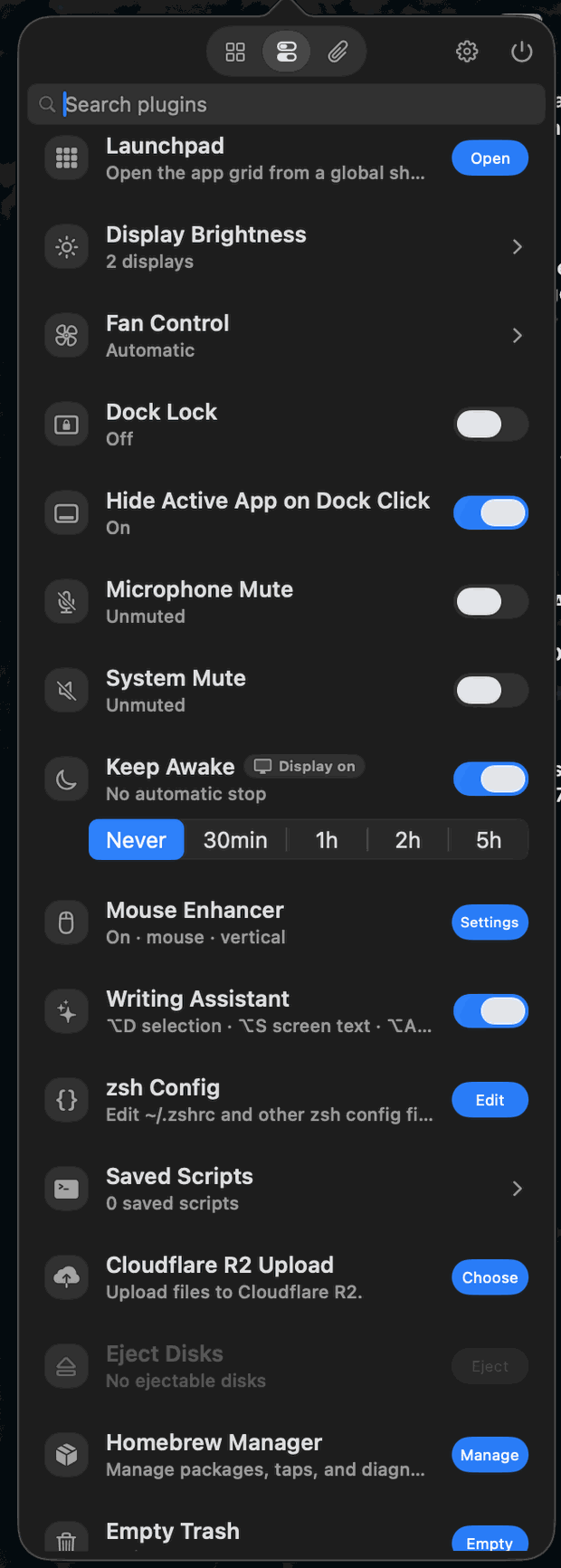
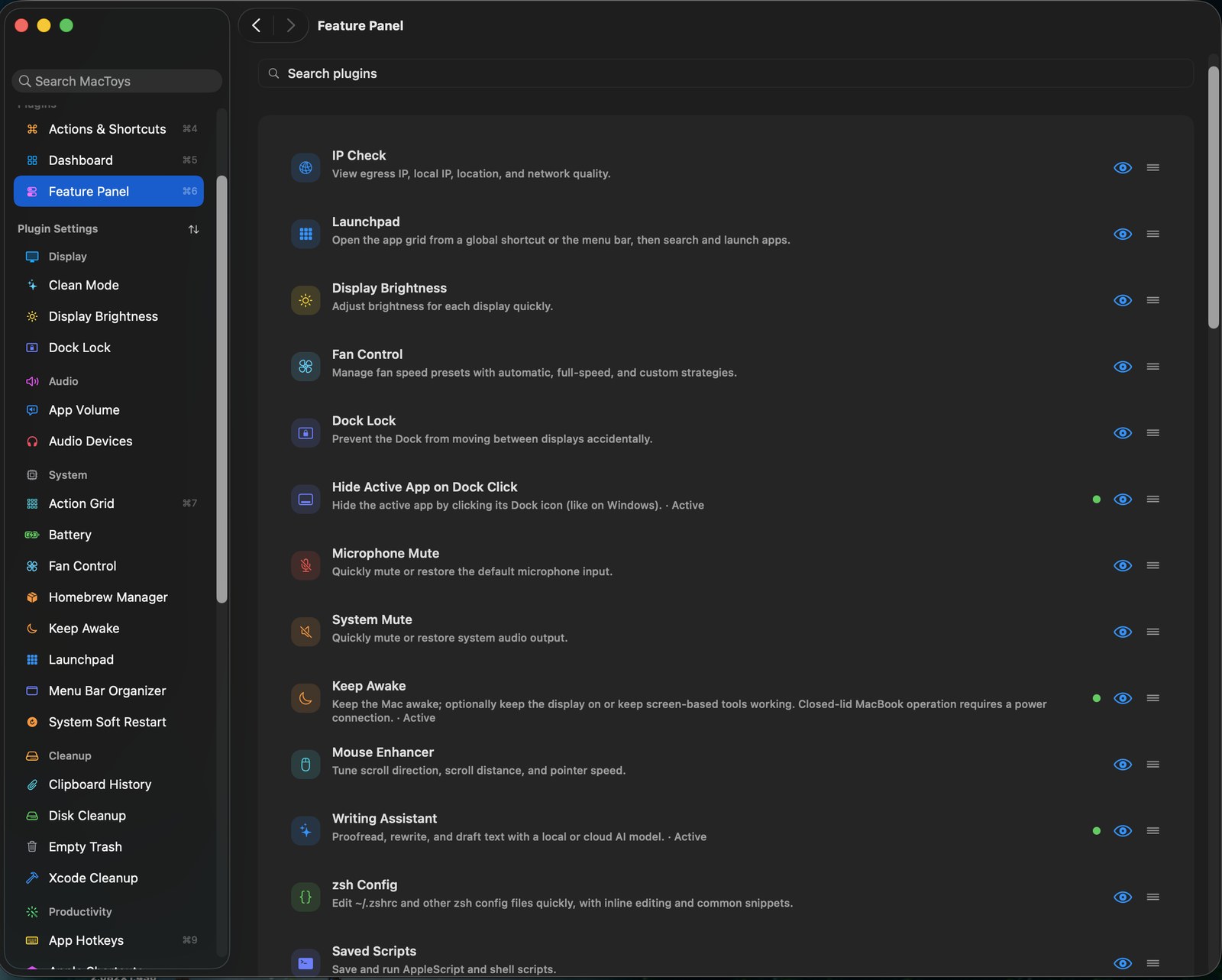
Turn tools on, reorder them, and choose what shows in the menu bar. Nothing you do not switch on ever runs.
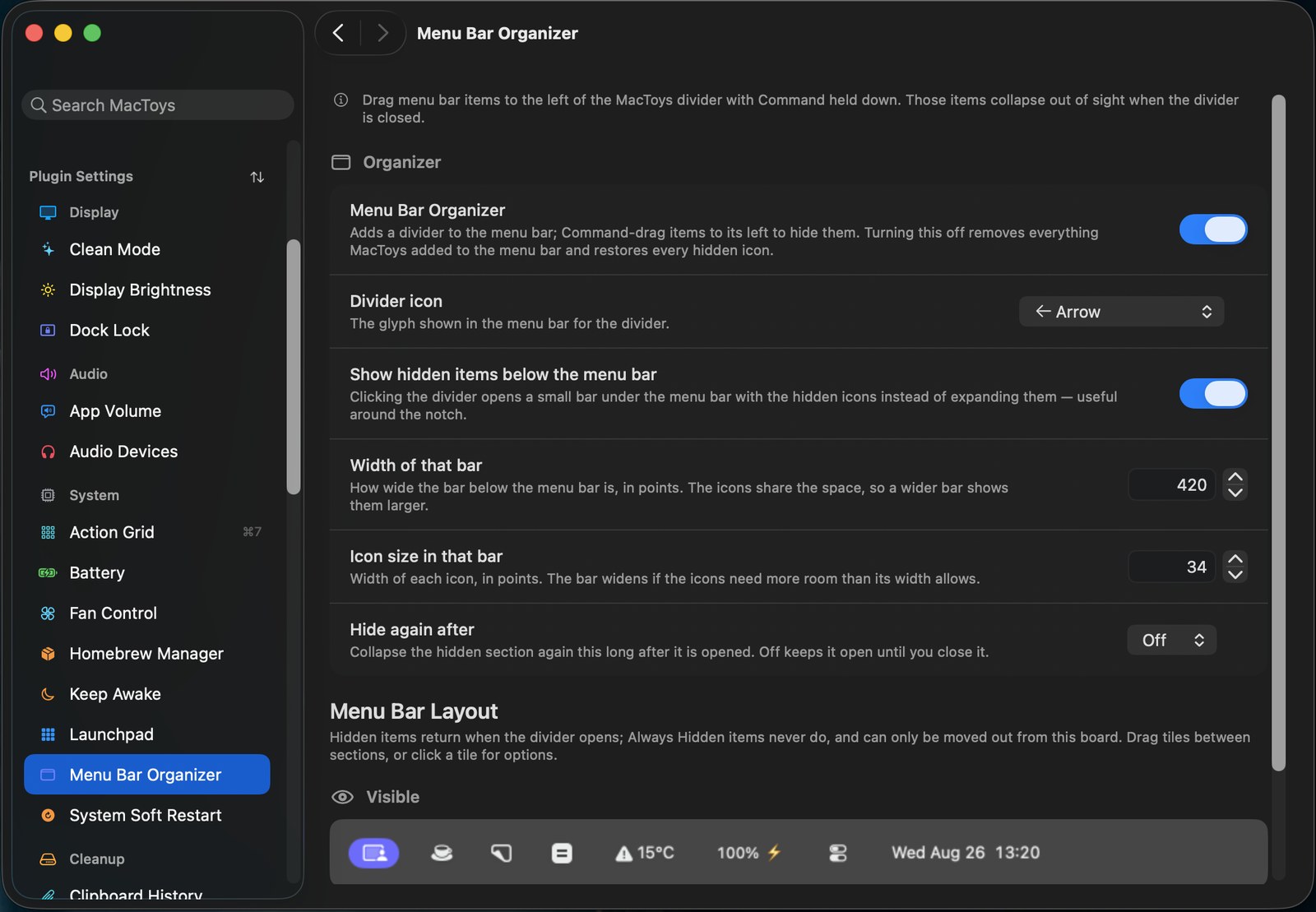
Drag icons you rarely need behind a divider. Click it and they appear in a small bar under the menu bar, which is the trick that saves you around the notch.
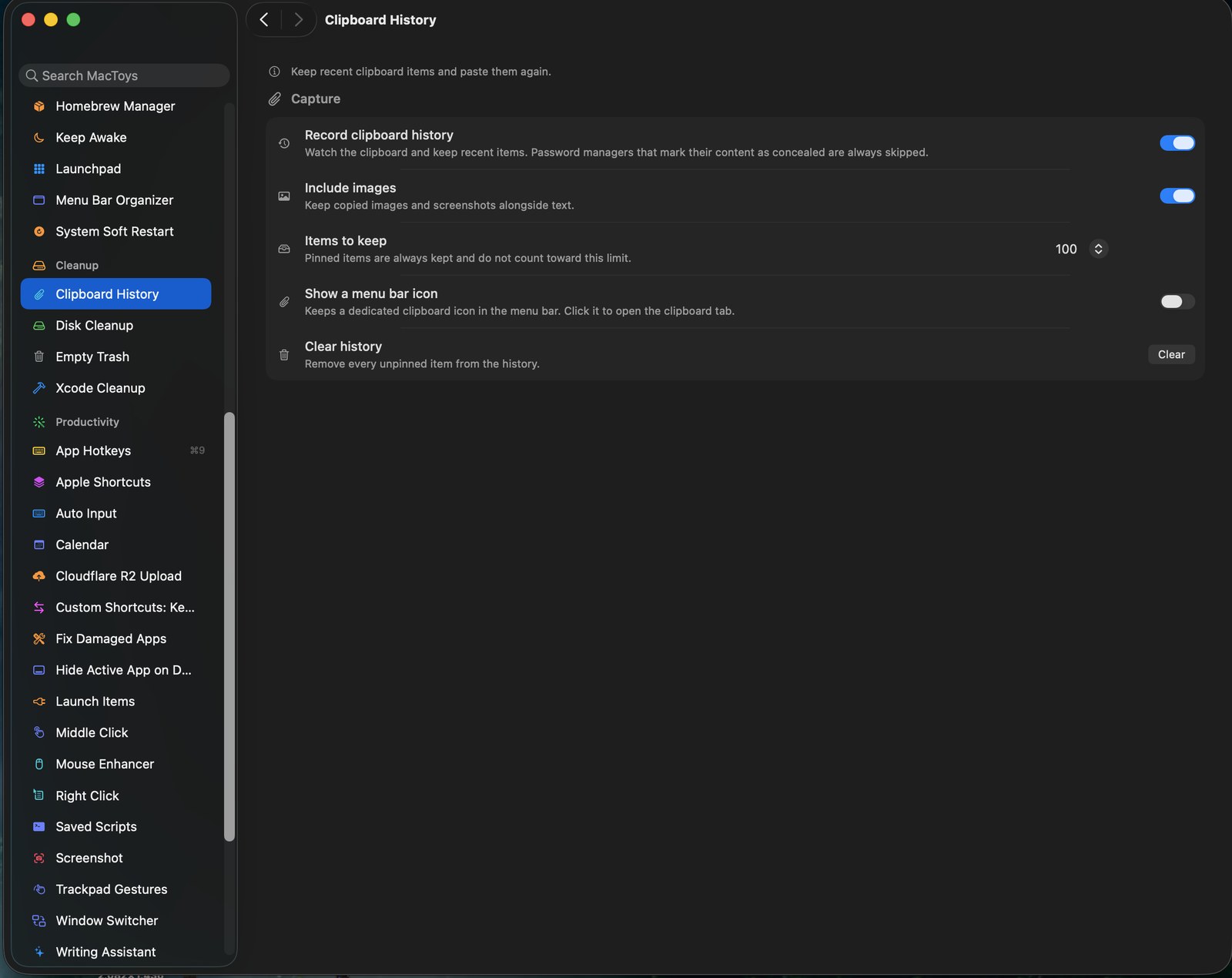
The last 100 things you copied, text and images, searchable and pinnable. Anything a password manager marks as concealed is never recorded.
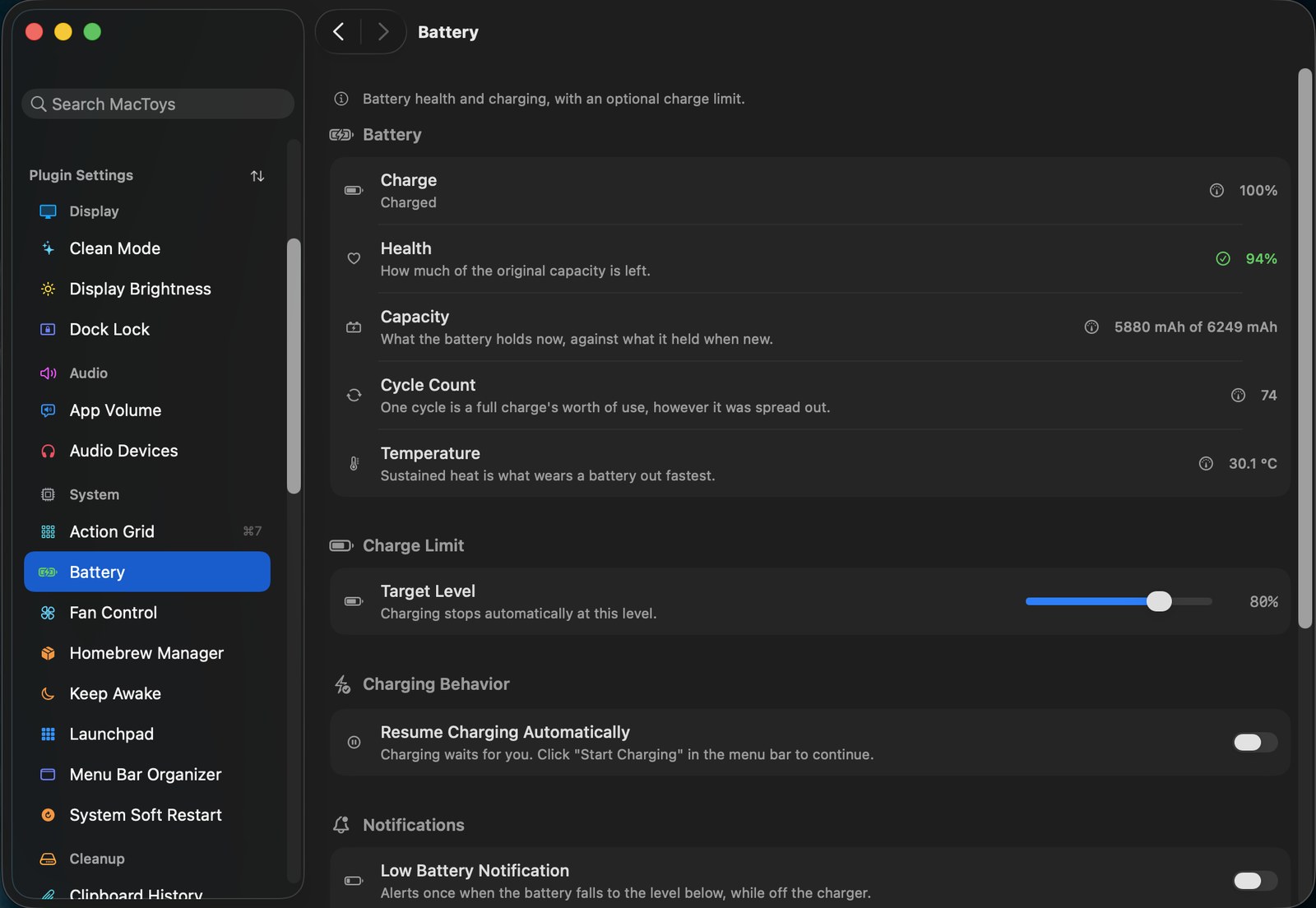
Health, capacity, cycle count and temperature, plus a charge limit that stops at 80% so your battery ages slower. Sustained heat is what kills them.
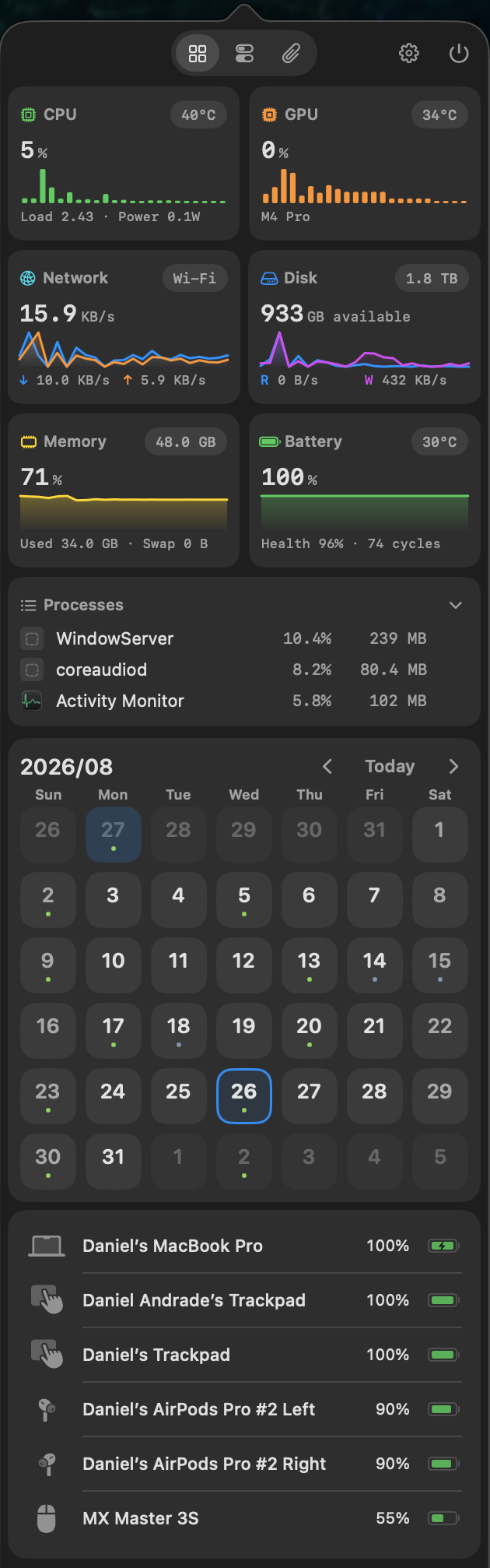
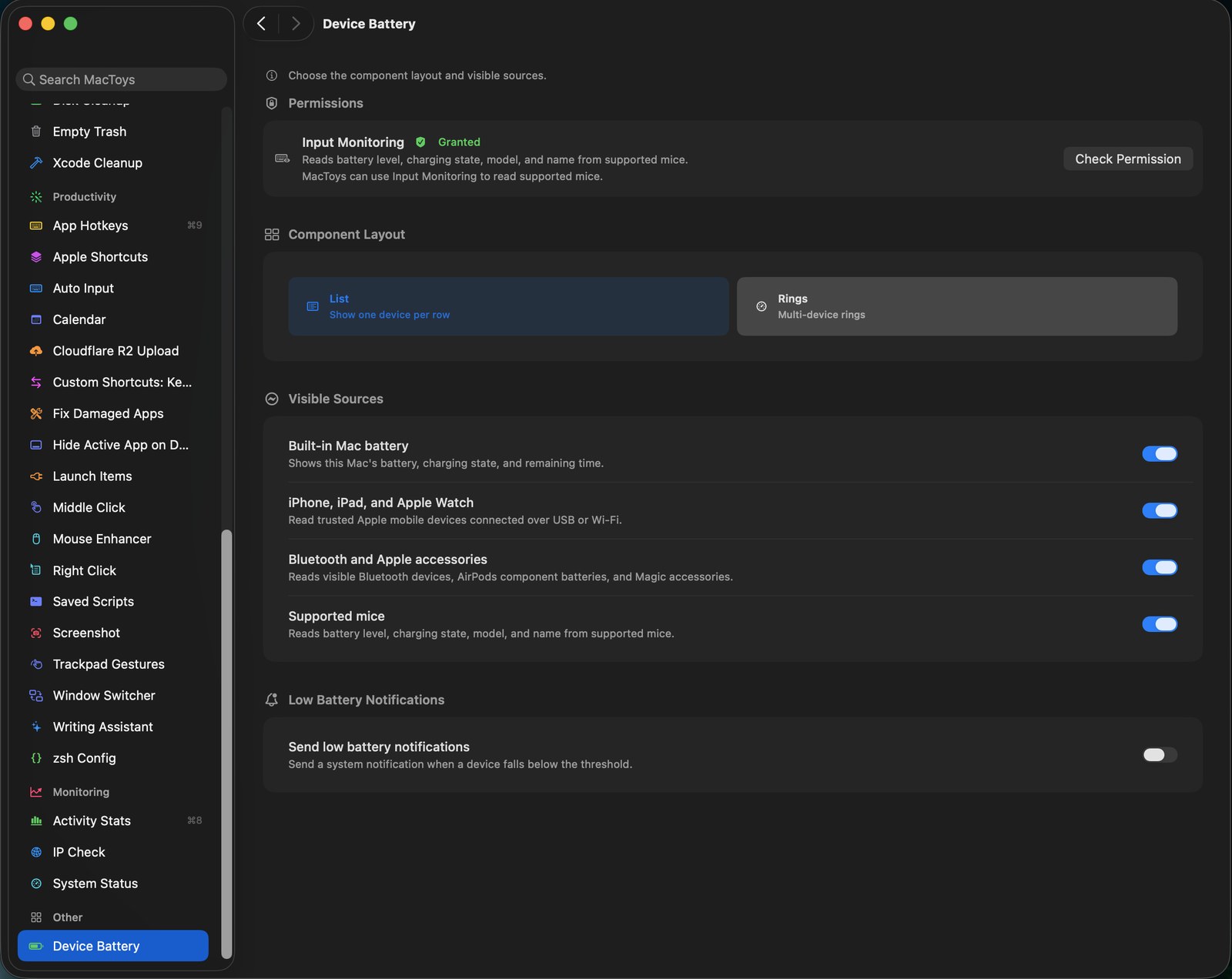
Your Mac, iPhone, iPad, Apple Watch, AirPods with each bud separately, Magic accessories and supported mice. One glance, with low battery alerts.
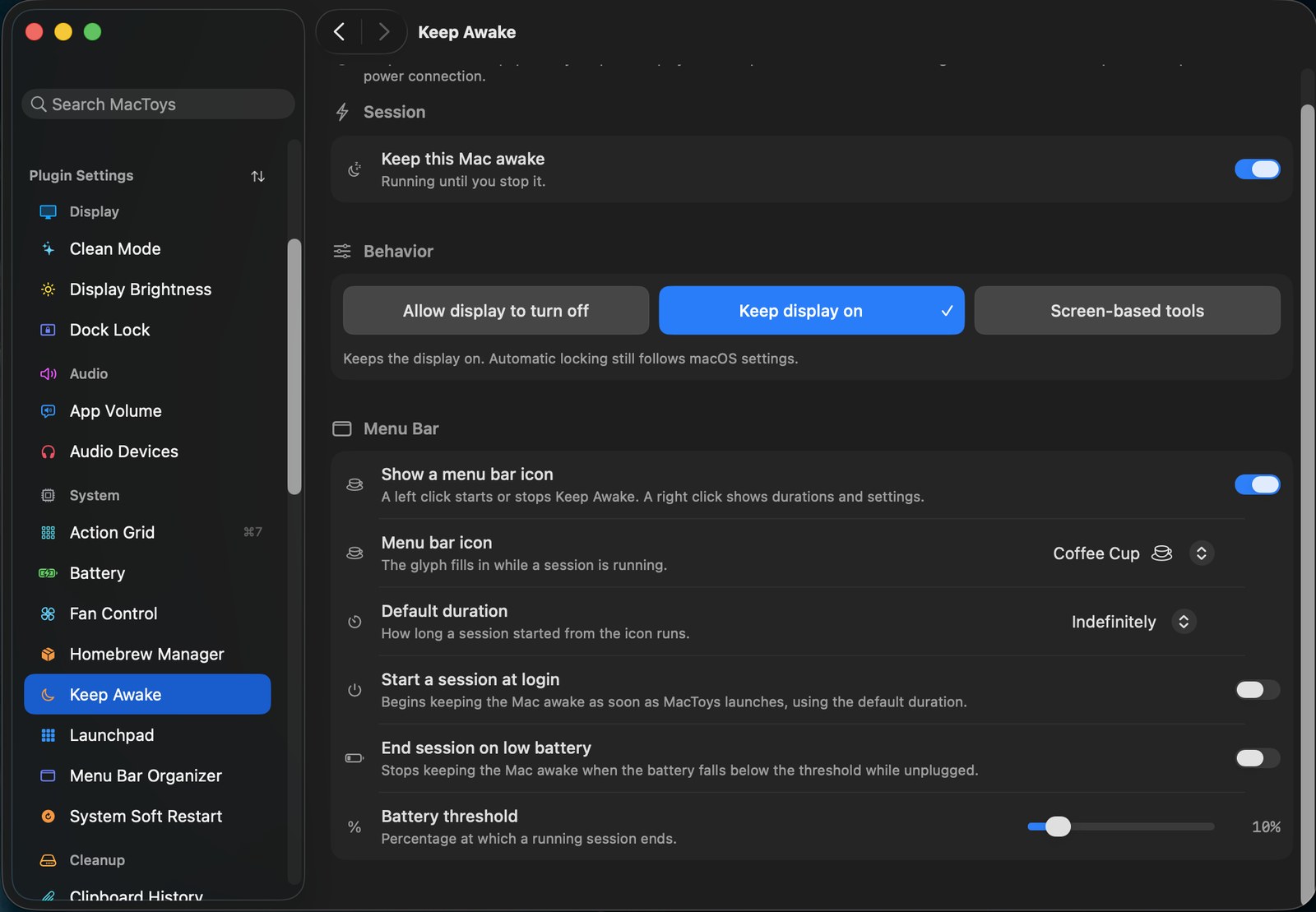
Run until you stop it or for a set time, keep the display on or let it sleep, and end automatically when the battery drops so you are never stranded.
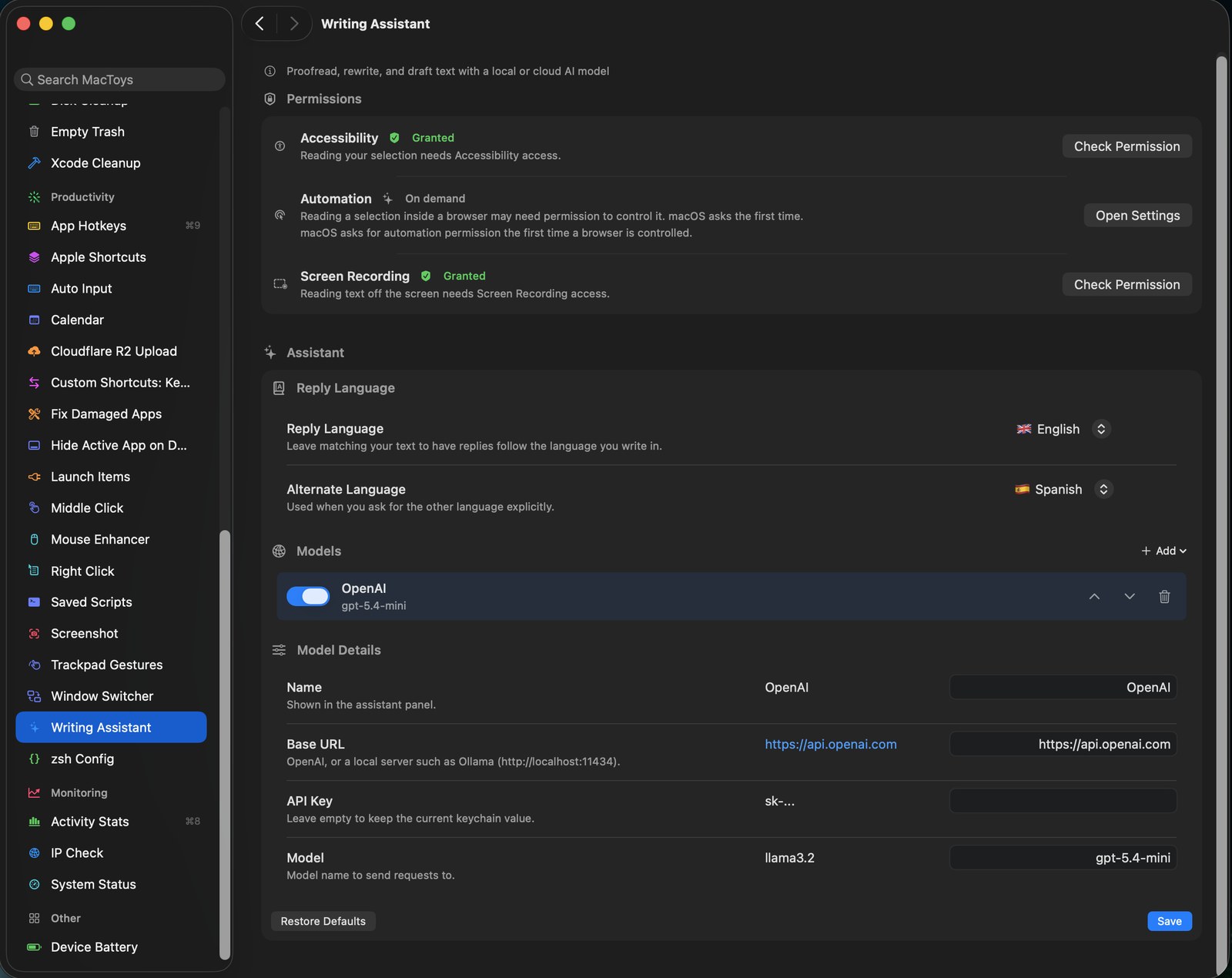
Proofread, rewrite and draft from any selection. Point it at Ollama on localhost and nothing you write ever leaves the machine, or use a cloud key if you prefer.
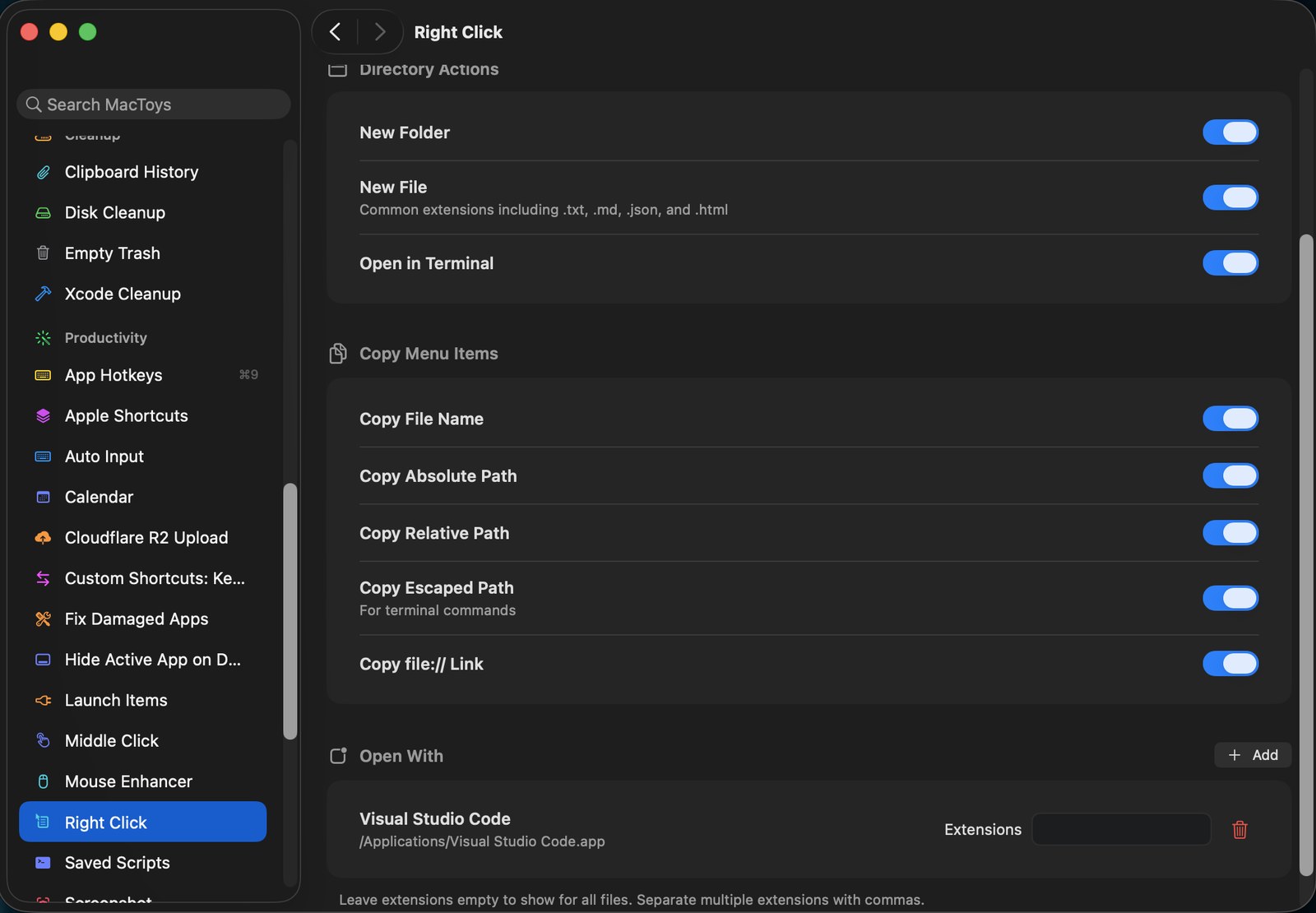
New file, open in Terminal, copy absolute path, copy the escaped path for a command, open with the app of your choice. Small, and you will use it hourly.
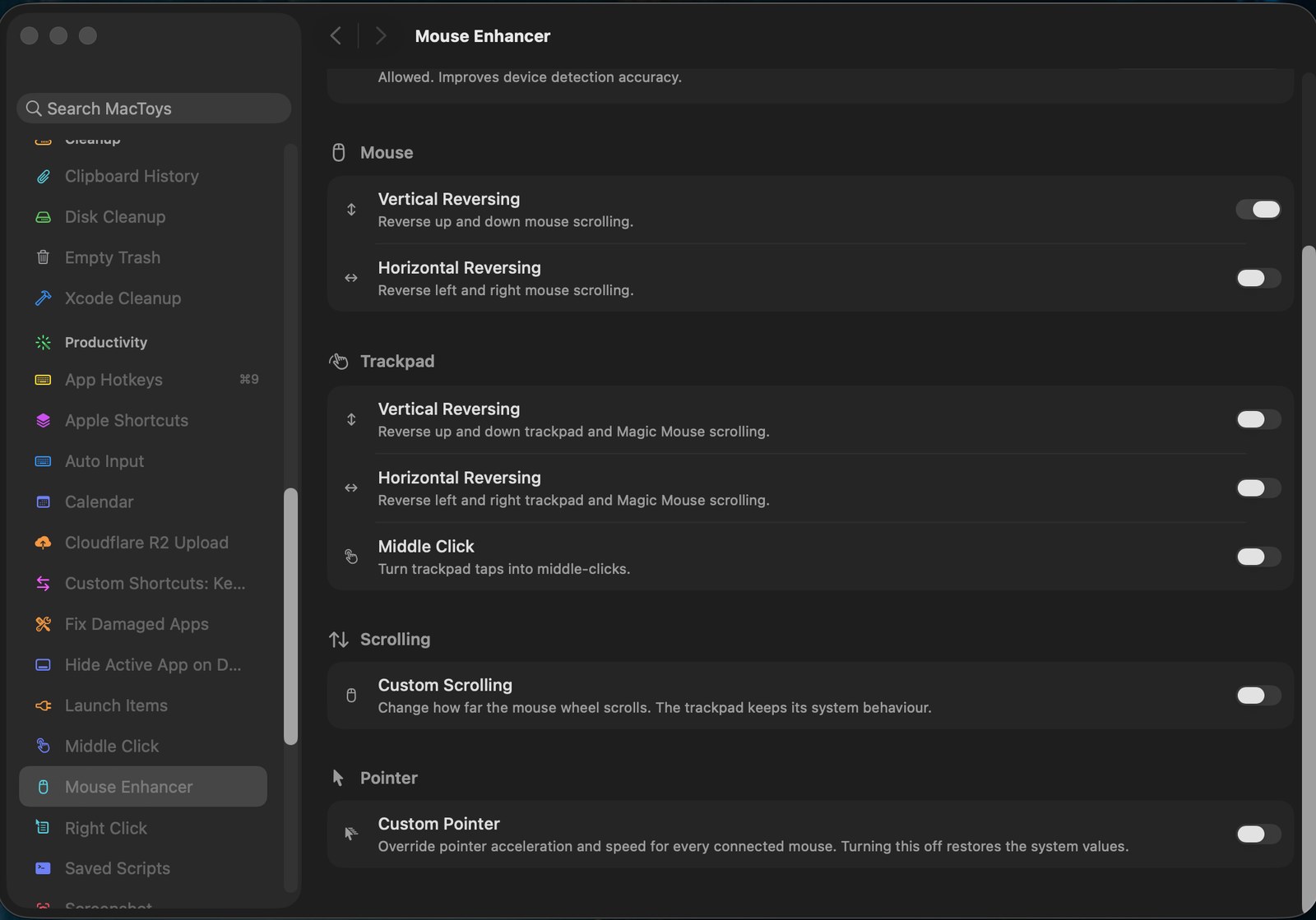
Reverse scrolling for the mouse without touching the trackpad, set real pointer acceleration per device, and turn trackpad taps into middle clicks.
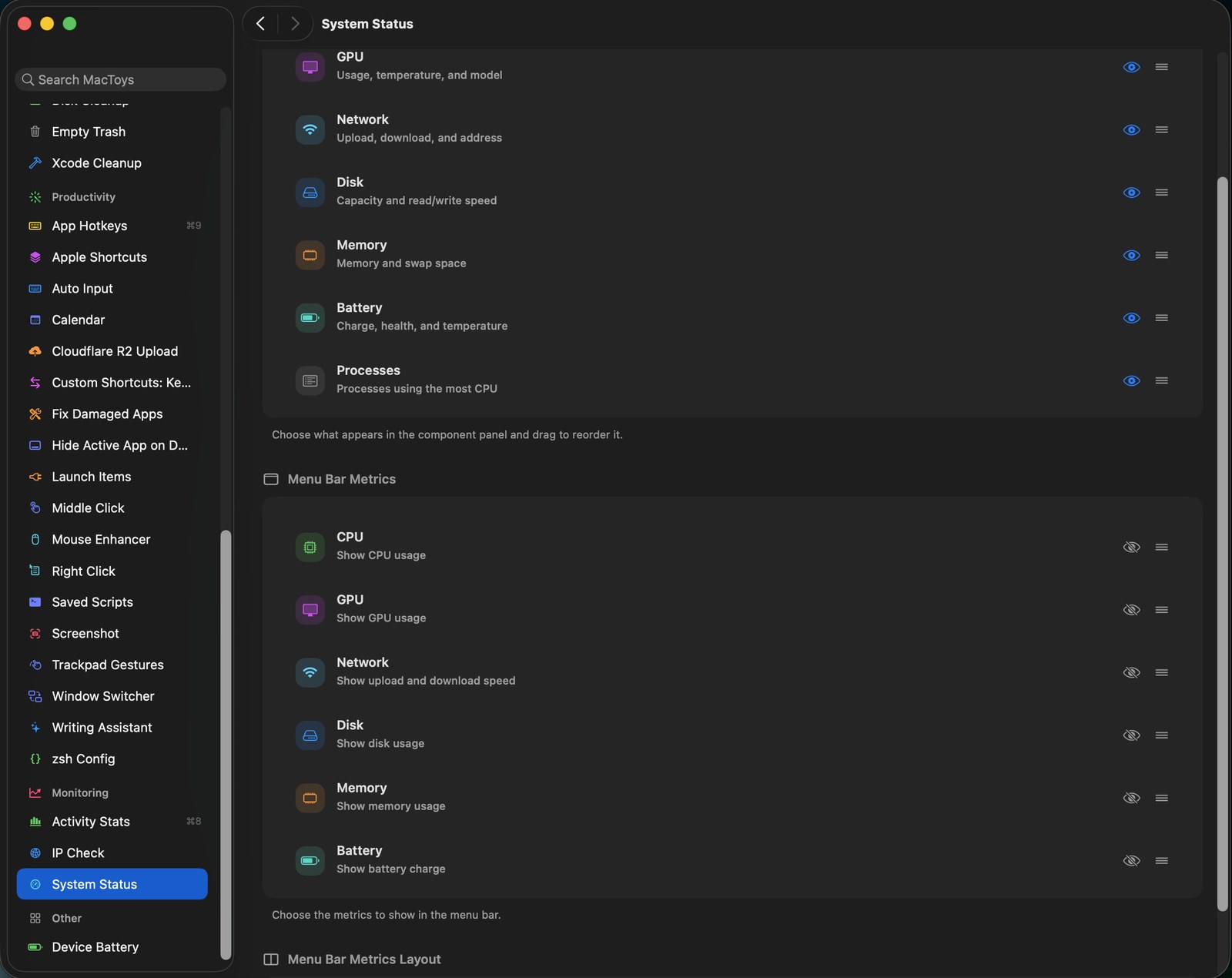
Choose which metrics sit in the menu bar and in what order. CPU, GPU, network, disk, memory, battery, as many or as few as you want.
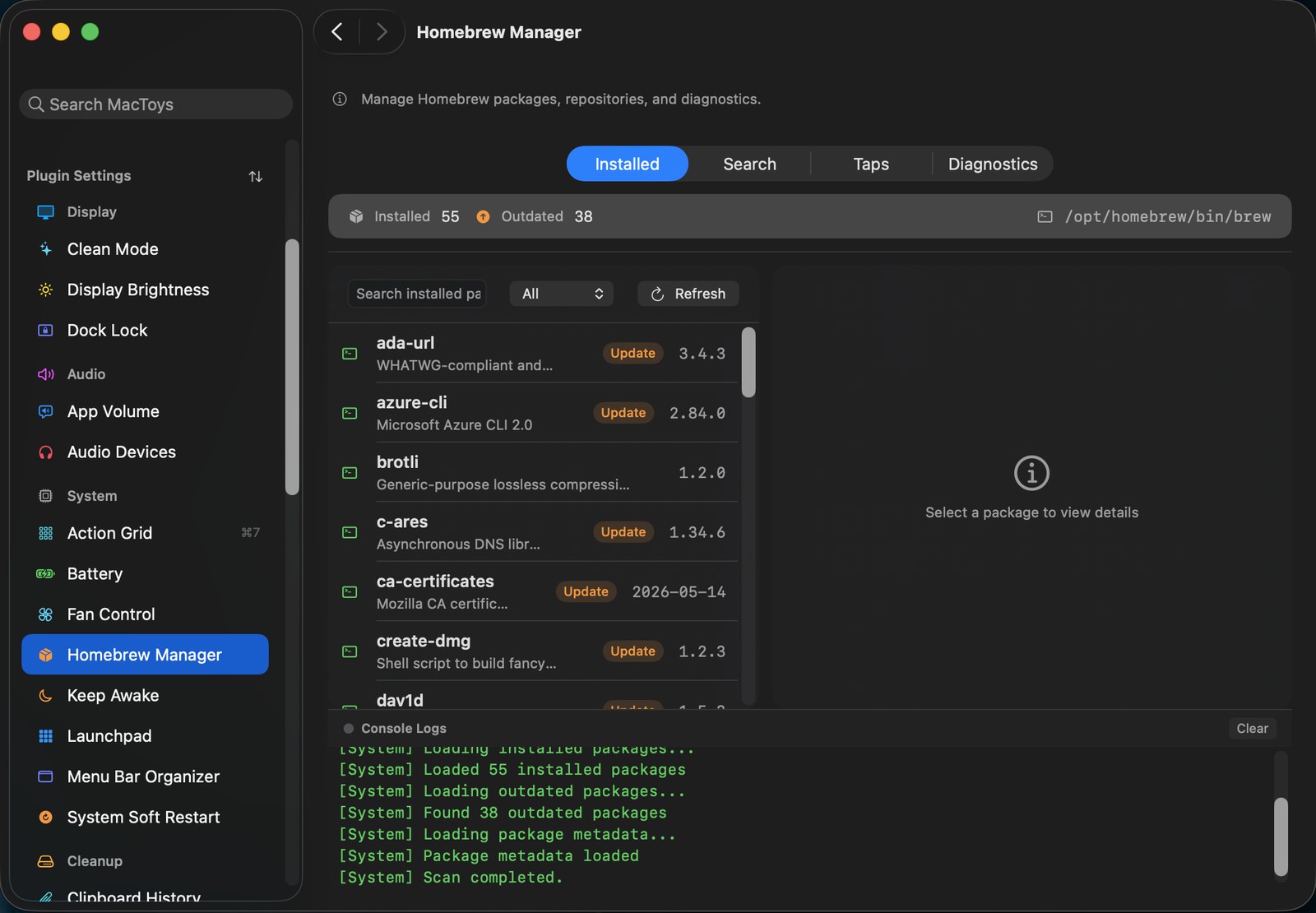
See what is installed, what is outdated, search and update, run diagnostics. The console shows exactly what it ran, so nothing happens behind your back.
Not a subscription. Not a yearly upgrade fee. Buy it today and every version after this one is yours.
A dozen of them. See all 50+ tools if you want the full list.
⌥1 drags a region straight to the clipboard. ⌥3 grabs a whole window with no shadow or clutter. ⌥2 turns the screen into a canvas so you can circle the thing you are talking about, hold Shift for arrows. It never opens a window to ask you where to save.
Text, links and images kept and searchable. Pin what you paste every day. Concealed content from password managers is skipped.
Hide the icons you rarely need behind a divider, and pull them back in a small bar underneath when you need them.
Health, cycles and temperature in plain numbers, with a charge limit that lets a battery age slower. Alerts when it runs low.
iPhone, iPad, Watch, AirPods per bud, Magic accessories and supported mice, all in one panel with low battery notifications.
Proofread, rewrite, shorten or draft from any selection. Point it at Ollama and it works with no internet and no API bill.
New file, open in Terminal, copy the absolute or escaped path, open with any app you nominate. Once you have it you will not go back.
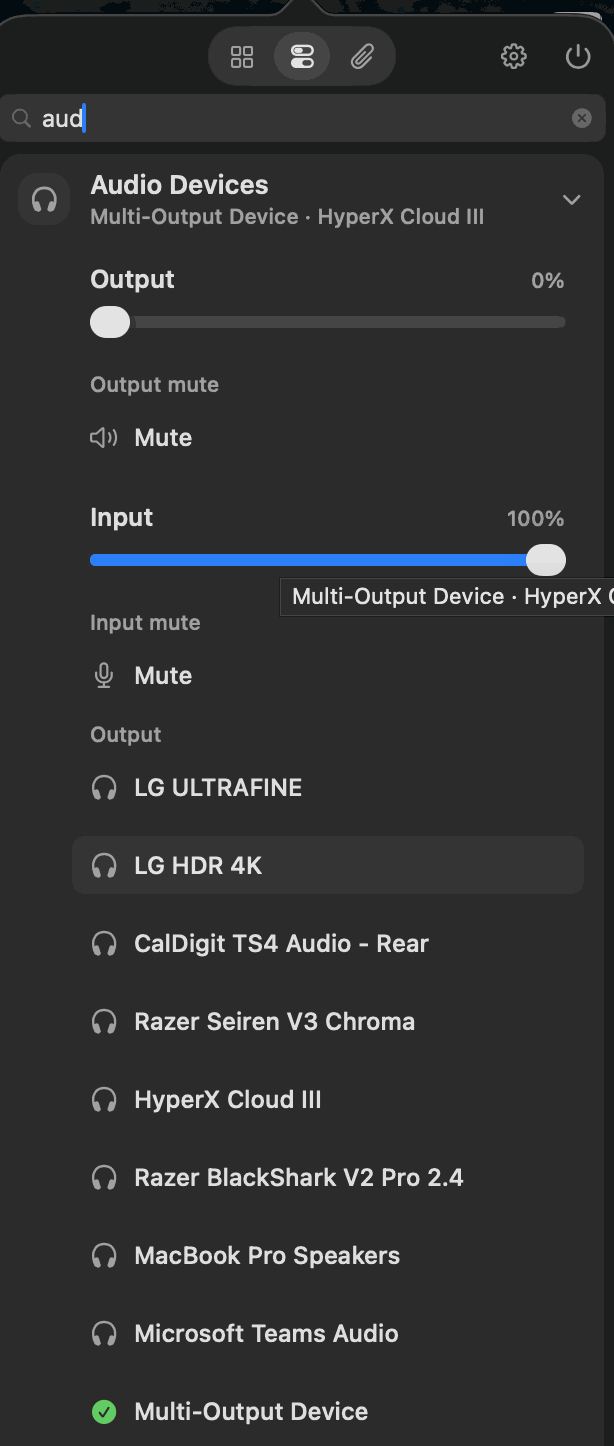
Turn one noisy app down without touching the rest. Swap output and input from the menu bar instead of the Sound pane.
Hold sleep off for a presentation with a timer that gives it back. Or black the screen and lock the keyboard so you can wipe it down.
Global hotkeys, trackpad gestures, saved scripts, an action grid at your pointer, and hooks into Apple Shortcuts, Siri and Spotlight.
Caches, developer leftovers, Xcode DerivedData and old installers. Everything goes to the Trash by default, behind path safety checks.
No subscription, no upgrade fee, no account needed to try it.
The whole app, nothing held back.
Yours forever, on 2 Macs.
Yes. $9.99 buys the app and every update that follows. There is no renewal, no paid major version, and nothing expires.
The tools pause until you enter a license key. Nothing is deleted. Your settings, clipboard history and layouts are all waiting for you.
Any Mac running macOS 14 Sonoma or later, Apple Silicon and Intel.
The app checks this site for updates and validates your license key. That is it. Your clipboard, screenshots and settings never leave your Mac. The writing assistant can run entirely offline through Ollama if you point it there.
Each tool asks only for what it needs, such as Screen Recording to take screenshots or Accessibility to tune your mouse, and tells you exactly why before it asks. Tools you do not enable ask for nothing.
Deactivate from the old Mac in Settings, About, or just activate on the new one, since you have 2 seats. Lost a machine? Contact support and we will free the seat.
Fifty plus tools, one icon, two Macs, every update. For less than the sandwich you had at lunch.